![Ostendio - People-First Integrated Risk Management Platform.png]](https://knowledge.ostendio.com/hs-fs/hubfs/Ostendio%20-%20People-First%20Integrated%20Risk%20Management%20Platform.png?height=40&name=Ostendio%20-%20People-First%20Integrated%20Risk%20Management%20Platform.png)
To edit a quiz after publishing:
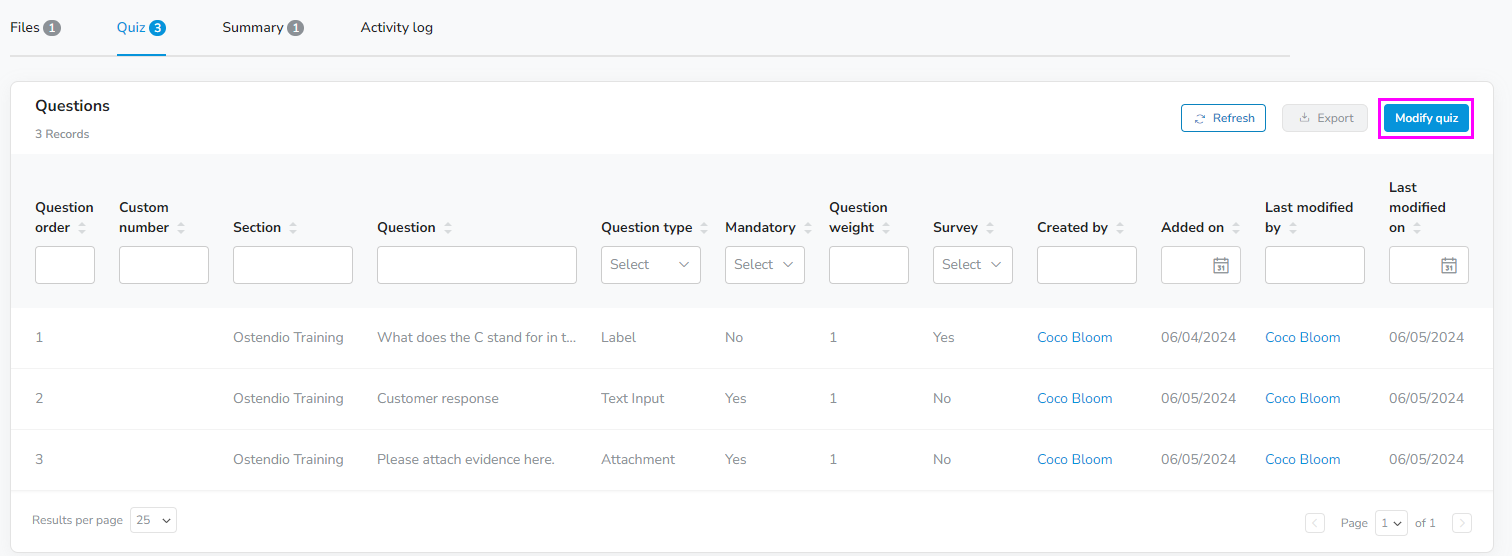
- Access the quiz tab from the training overview page.
- Click Modify Quiz to access the quiz question editor.

You can review the submissions of a training in the Submissions tab. This tab will also allow you to view any attachments that you requested a consumers submit as part of a quiz by clicking into a consumers individual submissions.